


Connected Home & Technology Services
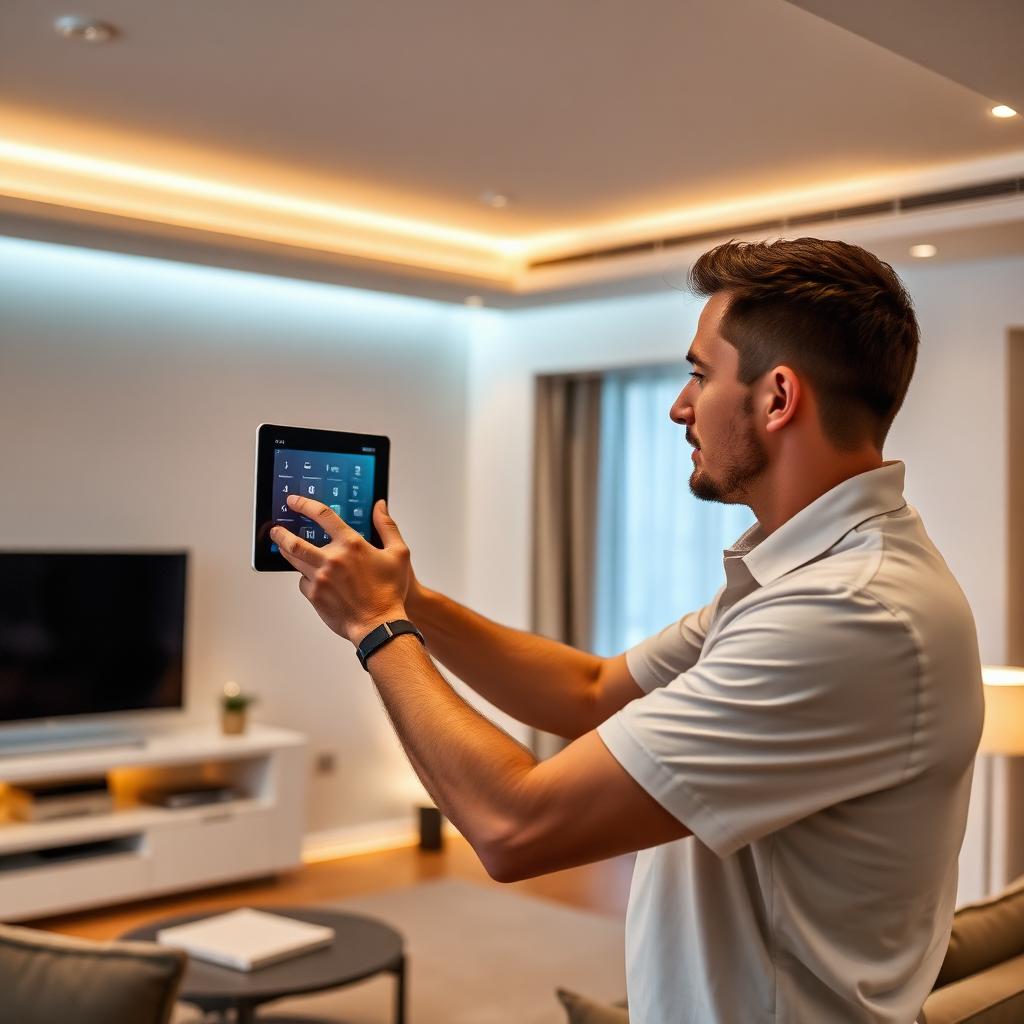
Connected Home & Technology encompasses the installation, cabling, network integration, and system configuration associated with residential automation, communication infrastructure, security devices, and audiovisual setups.
10 services · typical 5-step process
What it is
This category covers physical hardware mounting, low-voltage wiring infrastructure, and local network configuration for modern smart devices and media equipment. Service technicians run data cabling, install audio-visual components, and integrate individual hardware units into unified network environments for centralized control. The scope ranges from single-point hardware additions like video doorbells to broader projects such as whole-property automation, wired networking arrays, and multi-room entertainment systems.
Services that can fall within Connected Home & Technology
Smart Home Installation
Technicians can integrate automated lighting, climate controls, motorized window shades, and centralized management hubs. The scope often includes hardware placement, communication protocol configuration, and pairing compatible management software.
Learn moreSecurity Cameras & Systems
Installers place indoor and outdoor IP cameras, digital video recorders, and presence detection sensors. Tasks can involve routing low-voltage data cabling, mounting exterior housings, adjusting viewing angles, and configuring local or remote video streaming.
Learn moreAlarm Systems
This service can cover the setup of intrusion contacts, door and window sensors, glass-break detectors, internal sirens, and keypad interfaces. Work typically includes testing signal pathways, setting notification preferences, and configuring zone partitions.
Learn moreTV Mounting & Installation
Technicians attach flat-panel displays to various wall types using fixed, tilting, or articulating bracket systems. Services can include running concealed in-wall cabling pathways, connecting peripheral media inputs, and leveling the display.
Learn moreHome Theater
Installers set up dedicated media spaces, which can involve surround-sound speaker configurations, projectors, projection screens, and central audio-video receivers. Work may include balancing audio levels, tuning display settings, and programming universal controllers.
Learn moreAudio Systems & Installation
This service involves mounting architectural in-wall, in-ceiling, or outdoor weather-rated speakers connected to multi-channel amplification. Technicians configure multi-zone audio hardware to facilitate synchronized or independent playback across designated rooms.
Learn moreWi-Fi & Networking
Technicians deploy network switches, wireless access points, and routers to support coverage across the property. Tasks typically involve terminating Category-rated data cables, adjusting frequency channels, and establishing local network partitions.
Learn moreStructured Cabling
Cabling specialists run and terminate Cat6, Cat6a, or fiber optic lines through wall cavities, conduits, and attic spaces to a centralized patch panel. This infrastructure is intended to provide a wired data backbone for connected devices.
Learn moreAccess Control
Technicians install smart deadbolts, electronic strikes, digital keypads, proximity card readers, and video intercom units. The service typically establishes low-voltage power connections, sets up user credentials, and links hardware to network interfaces.
Learn moreVideo Doorbell Installation
Installers mount and connect video doorbells to compatible power transformers or low-voltage wiring. Tasks can involve fitting the exterior unit, connecting mechanical or electronic door chimes, and linking video streams to user devices.
Learn more
How the work is typically performed
- 1
Site Survey and Network Assessment
Technicians assess property layout, structural pathways, existing cabling, power access, and wireless signal distribution to plan component locations and wire runs.
- 2
Rough-In and Cabling
Installers route low-voltage data, audio, and video cabling through walls, crawlspaces, or conduit, terminating the lines into central distribution panels or equipment racks.
- 3
Hardware Installation
Technicians secure displays, speakers, access points, control panels, and detection hardware using structural fasteners and designated mounting hardware.
- 4
Configuration and Integration
The technician assigns network settings, pairs wired and wireless devices with central control hubs, calibrates audiovisual signals, and organizes user interface controls.
- 5
Testing and System Demonstration
Installers perform functional checks across all zones, verify connection stability, and provide an overview of operational interfaces and physical controls.
Common reasons customers look for this service
- Moving into a newly constructed, purchased, or remodeled property
- Experiencing uneven wireless coverage, dead spots, or network connection drops
- Transitioning standalone smart devices into a unified management system
- Adding surveillance cameras, alarm components, or access controls to a home
- Mounting display panels with concealed wiring behind walls or inside cabinetry
- Setting up multi-room audio distribution or a dedicated home theater space
About Connected Home & Technology
What is the difference between structured cabling and Wi-Fi networking?
Structured cabling utilizes dedicated physical lines, such as Cat6 or Cat6a, to deliver data pathways directly to individual devices. Wi-Fi distributes network data wirelessly over radio frequencies, which can be influenced by physical obstacles, structural materials, distance, and environmental radio interference.
Can smart home components from different manufacturers operate together?
Interoperability depends on the specific hardware models and communication standards involved. Many systems can be integrated using central automation controllers, bridges, or compatible third-party platforms that support shared industry protocols.
What does maintenance for hardwired security camera systems typically involve?
Maintenance for hardwired camera setups can include cleaning optical lenses, applying software or firmware updates from the manufacturer, and checking local storage drive operation. Power and signal are typically delivered over continuous wiring rather than replaceable batteries.
This page provides general information about Connected Home & Technology for reference only. It is not professional, safety, medical, legal or financial advice, and it does not describe the services of any particular provider. Scope, methods and timing vary by provider and situation. Kuldesac does not perform these services; contact a qualified provider directly to discuss your specific needs.