


Smart Home Installation
Smart home installation involves the mounting, low-voltage wiring, network pairing, and system configuration of automated household devices, controls, and centralized hubs.
7 possible tasks · typical 5-step process
What it is
Smart home installation generally encompasses the physical positioning, connection, and software setup of smart lighting, climate hardware, access components, and audio-visual devices within unified management systems. Depending on the project scope, service providers may configure wireless protocols such as Zigbee, Z-Wave, Thread, Matter, or local Wi-Fi frequencies to support device communication and remote management interfaces. These services typically focus on consumer-grade automation hardware and standard residential fixtures rather than extensive structural alterations, major electrical service panel modifications, or proprietary software development.
What Smart Home Installation can include
Hub and Controller Setup
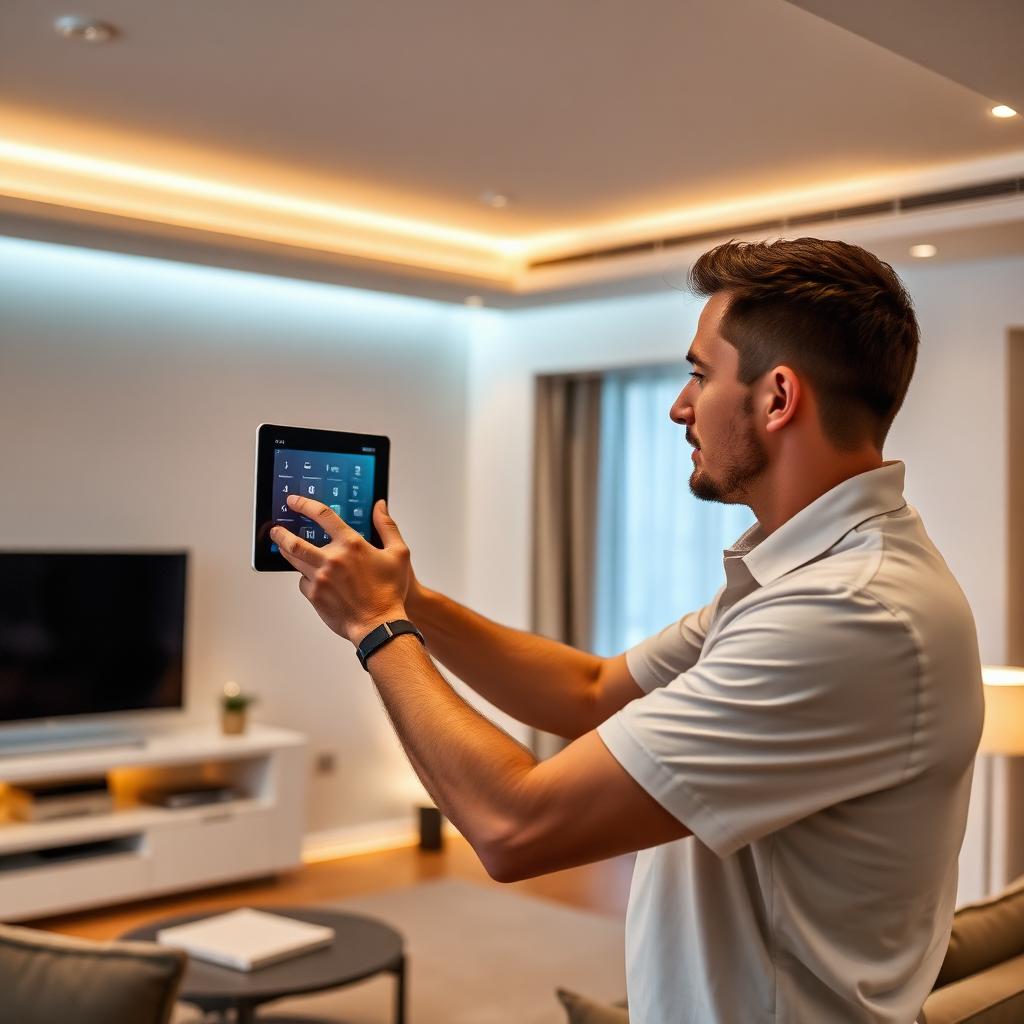
Can include the connection, firmware updating, and network provisioning of central automation controllers, bridges, and wall-mounted interface panels designed to coordinate multi-device ecosystems.
Smart Lighting and Switch Wiring
Can involve replacing conventional wall switches, dimmers, or fixtures with connected controls, verifying neutral wire availability, and establishing multi-switch traveler communication.
Smart Thermostat Integration
Can encompass mounting compatible digital thermostats, connecting low-voltage thermostat wiring, incorporating common wire (C-wire) adapters where supported, and pairing equipment with climate controls.
Video Doorbells and Security Cameras
Can involve attaching exterior cameras and doorbell units, connecting low-voltage chime wiring or plug-in power adapters, and configuring motion detection zones within companion applications.
Smart Lock and Entry Hardware
Can include removing mechanical locks, fitting electronic or motorized deadbolts, checking door alignment with existing strike plates, and assigning digital access codes or mobile credentials.
Voice Assistant and Automation Programming
Can involve linking supported smart accessories to central voice assistant platforms, configuring mobile application dashboards, and setting basic operational schedules or multi-device scene triggers.
Sensor and Access Point Deployment
Can encompass placing environmental sensors, door contact monitors, motion sensors, or supplementary network mesh nodes to support coverage and trigger automated notifications.
How the work is typically performed
- 1
Network and Infrastructure Assessment
Installers typically review local Wi-Fi coverage, existing wiring conditions, transformer capacities, and device compatibility throughout the areas designated for automation hardware.
- 2
Hardware Mounting and Wiring
Physical devices are positioned and fastened to surfaces, traditional controls or faceplates are detached, and relevant low-voltage or line-voltage leads are connected according to manufacturer diagrams.
- 3
Protocol Configuration and Network Pairing
Hardware is typically joined to designated local network frequencies or specific automation standards such as Matter, Zigbee, or Z-Wave through centralized apps or bridging equipment.
- 4
Automation Logic and App Setup
Connected components are assigned to corresponding zones or rooms within control applications, software or firmware updates are applied, and requested automation schedules or routines are arranged.
- 5
System Diagnostic and End-User Handover
Installers generally run basic response checks to confirm device reporting, observe application feedback, and review basic system navigation and primary interface controls with the user.
Common reasons customers look for this service
- Replacing traditional manual switches, deadbolts, or thermostats with network-connected alternatives
- Integrating smart products from multiple distinct product lines into a unified control interface
- Transitioning devices during home moves, renovations, or room reconfigurations
- Deploying connected equipment that requires low-voltage adapters or C-wire power routing
- Setting up comprehensive device routines, centralized displays, or voice control systems
About Smart Home Installation
Do all smart devices require a dedicated central hub?
Requirements can vary depending on hardware specifications. Many modern devices use direct Wi-Fi or Bluetooth connections and operate without standalone hubs, while others rely on protocols such as Zigbee, Z-Wave, or Matter bridges to coordinate local network communications.
What network infrastructure is commonly associated with smart home setups?
Many smart home components utilize 2.4 GHz Wi-Fi frequencies for signal propagation across indoor spaces. Depending on property layout and the quantity of connected items, networks may incorporate dual-band routers, range extenders, or mesh systems to handle peripheral connectivity.
Can battery-powered hardware be connected to continuous low-voltage power?
Some models of battery-operated doorbells and security cameras include terminals designed to support hardwired low-voltage power from doorbell transformers or dedicated power adapters. Compatibility and wiring requirements depend on the individual device model and local setup.
This page provides general information about Smart Home Installation for reference only. It is not professional, safety, medical, legal or financial advice, and it does not describe the services of any particular provider. Scope, methods and timing vary by provider and situation. Kuldesac does not perform these services; contact a qualified provider directly to discuss your specific needs.